

Picture this. It’s Tuesday morning. Your Slack notifications are stacking up like Jenga blocks, your calendar just threw in a surprise meeting, and you still need to call your dental insurance before they close for lunch. We’ve all been there. AI personal assistants have been hyped as the cure for this exact chaos, yet so many end up just generating more text while you drown in tabs. When OpenAI dropped Dots and Meta rolled out Muse, I had to stop scrolling and test them head-to-head. Do they actually fix the daily grind, or are they just shiny new distractions?
The Short Answer: Who Does What Better?
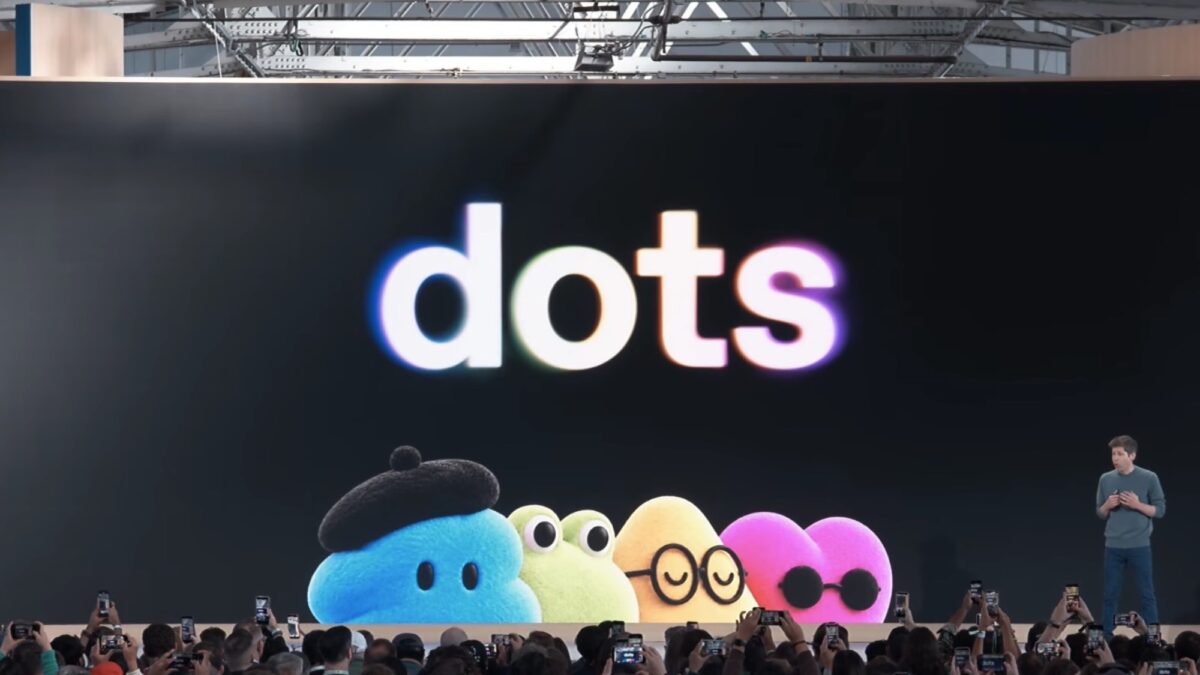
If your workday lives inside ChatGPT, revolves around code, or demands heavy multitasking across professional apps, Dots takes the win. But if your week is a patchwork of phone calls, Marketplace haggling, and random errands, Muse was practically engineered for that. Neither is flawless out of the box, but they tackle completely different sides of modern burnout.
Dots Knows You Already (And That’s a Massive Head Start)
The hardest part of adopting any new AI agent is the blank-slate syndrome. You spend hours teaching it your tone, your pet peeves, and what you actually want deleted. Dots sidesteps this entirely. From day one, it inherits years of ChatGPT context. It already knows how you trim headlines and which phrases you’d never use.
- Deep Workflow Integration: Dots plugs into over 4,000 apps. It operates quietly inside Slack or Teams, running background tasks while you focus on the actual work.
- Smart Delegation: Need to ingest a recorded interview, clip the audio, draft the show notes, and queue up social posts? Dots handles that exact grunt work without breaking your flow.
- Granular Control: OpenAI baked in a four-tier permission system. You decide when the agent acts solo and when it hands the job back to you. Crucially, sensitive actions like password changes never leave your control.
That said, the launch had some growing pains. Early adopters pointed out the backend hardware feels surprisingly light for a “serious digital colleague,” and outbound calls aren’t supported yet. If your biggest daily friction point involves making phone calls, Dots won’t solve it today.
Muse Steps Up When Tasks Leave the Screen
Meta took a totally different approach with Muse, and it shows the moment you need to deal with real-world logistics.
- Actual Phone Calls: This is Muse’s killer feature. It can navigate automated menus, answer security questions, sit through hold music, and patch you through to a live rep. It even lets you pick the agent’s voice.
- Frictionless Setup: For US users, it’s incredibly smooth. A quick Instagram login, a minute of prompt tapping, and you’re live. It’s built for speed.
- Transparent Action Logs: Muse won’t execute payments or fire off emails without your explicit OK. Every move leaves a clear paper trail, which is a huge relief when you’re delegating personal tasks.
The trade-off is the learning curve. Muse starts with zero knowledge of your work habits. Plus, while it integrates well with Meta’s ecosystem, major retailers like Amazon have already blocked it. And for international users? It’s still a waitlist game.
Security & Privacy: What You Need to Know Before Hitting “Allow”
Let’s keep it honest. Handing an AI assistant access to your inbox, calendar, and personal data feels risky. OpenAI’s permission architecture with Dots feels more mature for enterprise and pro users. The Activity View gives you real-time oversight, and the tiered approval system prevents runaway automation.
Meta’s answer is a separate Sentinel agent that must sign off on outgoing messages, which sounds great in theory but stumbled in early real-world tests. One user accidentally gave away their home address thanks to a rushed permission toggle. Meta has promised a Confidential VM with user-held encryption keys later this year, but until then, I wouldn’t hand either system your bank login on day one.
The Verdict: Which AI Agent Actually Fits Your Life?
Choosing between these two isn’t about finding the “best” AI. It’s about matching the tool to your actual daily rhythm.
Pick Dots if: You live in ChatGPT, code, manage complex professional workflows, or reside outside the US. It’s built for desk workers who want a colleague, not just a chatbot. Pick Muse if: Your week is packed with phone calls, errands, scheduling, and quick consumer tasks. It’s the errand-runner you’ve been waiting for.
Trust has to be earned, not assumed. Start both with low-stakes jobs. Watch how they handle your instructions, check their paper trails, and scale up only when you’re comfortable. Ready to finally clear your mental backlog and stop drowning in tabs? Pick the agent that actually speaks your language, and let it handle the rest.