

You know that exact moment at a hotel check-in or a busy trade show booth. A staff member pulls out a handheld translator, speaks into it, and then awkwardly holds the device up like a serving tray to the guest’s face. Eye contact breaks. The conversation stalls. It stops feeling like a genuine human exchange and suddenly feels like a robotic transaction. For anyone who handles cross-language communication daily, that friction repeats endlessly. What if the device just stayed firmly on the desk, letting both sides speak naturally while keeping the personal connection completely intact?
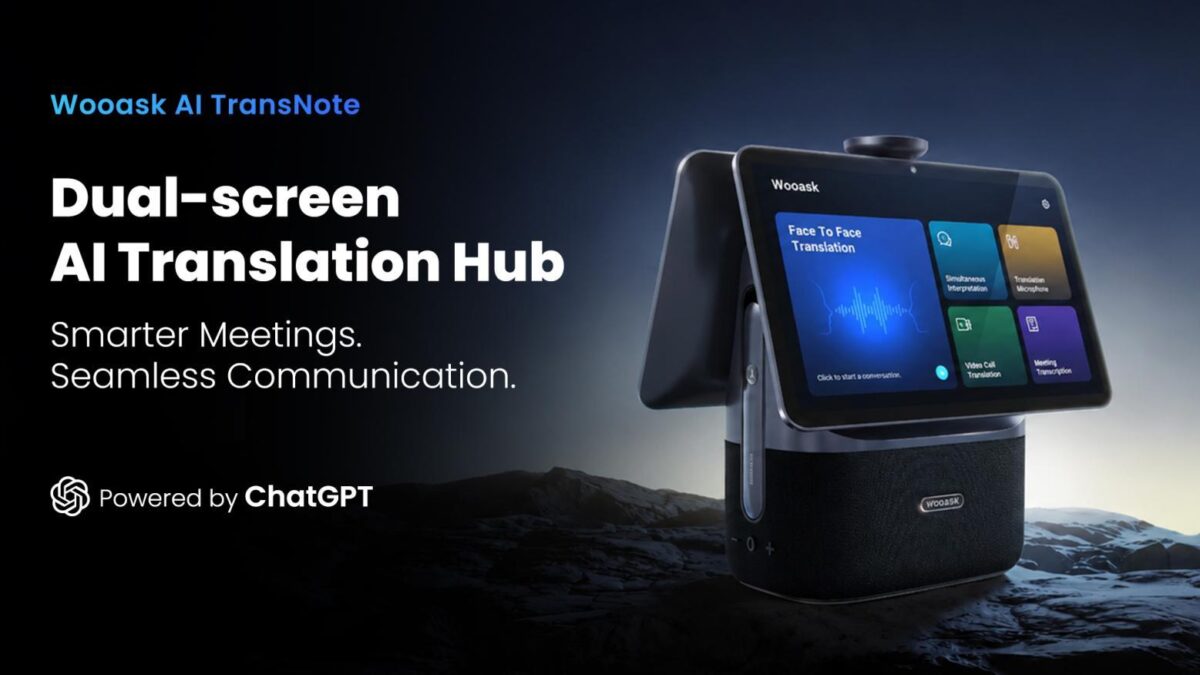
Why a Desktop Translator Actually Changes the Game
Wooask noticed this exact friction over 18 months of rigorous field tests across hotels, negotiation rooms, and international service counters. While pocket translators and wireless earbuds have been perfect for tourists on the go, they completely fall apart when used for hours at a fixed counter. Passing a phone or a gadget back and forth destroys the natural rhythm of a real conversation.
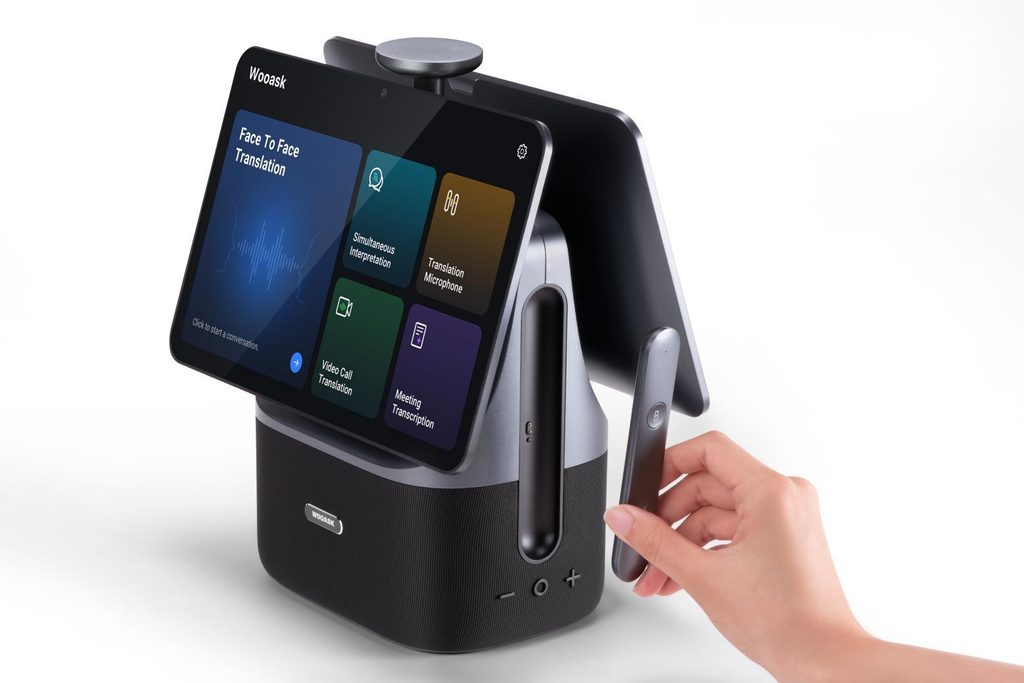
The Wooask AI TransNote (T05) steps away from the handheld format entirely. It’s a sleek dual-screen desktop unit designed to sit permanently on a table, giving both parties their own dedicated display. No more awkwardly holding a screen up to a stranger. Two people can simply sit down, maintain direct eye contact, and let the translation happen quietly on the surface between them.
Built for the Front Lines of Daily Communication
This isn’t a gadget you casually pack for a two-week European vacation. It’s purpose-built for professionals who live between languages every single day. Think hotel receptionists managing dozens of international check-ins, airport service desks, government public halls, or university lecturers handling questions from a highly diverse student body.
When you work at a counter for an entire shift, the last thing you want is another clunky device to manage. You need something that blends seamlessly into your workflow without demanding extra attention. The dual-screen setup keeps the human element of the interaction alive, which is surprisingly easy to overlook when we usually judge tech gadgets strictly on translation speed or raw language counts. By removing the physical handoff, the TransNote makes high-volume multilingual interactions feel smooth rather than mechanical.
More Than Just Translation: The Meeting Table Upgrade
There’s a second, equally powerful use case hiding in plain sight: the corporate conference room. For years, recording meetings meant dropping a personal voice recorder in the center of the table. Those devices usually only capture one person’s perspective. The pickup range drops off quickly past a few seats, and the recording stays tied to a single user’s account rather than serving the whole team.
Place the TransNote in that exact spot, and the entire dynamic shifts completely.
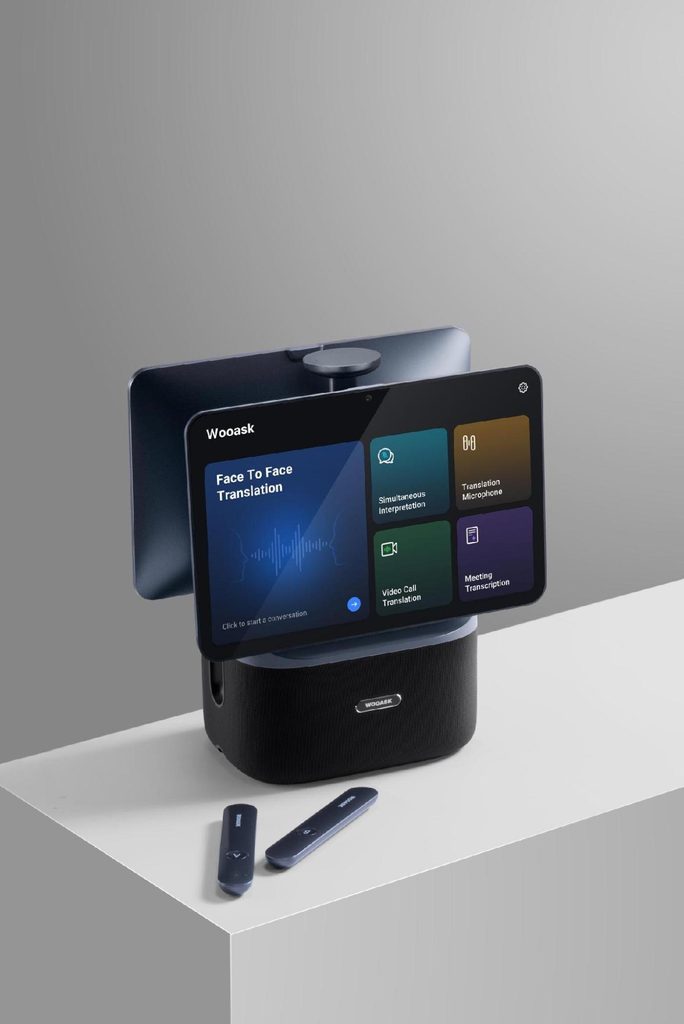
- Omnidirectional 4-Mic Array: Rated for pickup across a 5-meter radius (roughly 80 square meters), it effortlessly covers most standard conference rooms without anyone needing to lean in toward the device.
- Directional Control: Need to focus on a specific speaker panel or panel interview? You can easily narrow the pickup to 45, 90, or 135 degrees to eliminate background noise.
- Smart Post-Meeting Workflow: Real-time transcription runs live, and the system automatically generates structured bilingual meeting minutes, key point summaries, and even a visual mind map of how the discussion flowed. Everyone just scans a QR code afterward to pull the full recap straight to their phone.
The Verdict: A Natural Shift in How We Communicate
The Wooask AI TransNote targets a very specific group of professionals—hospitality staff, corporate teams, and service counters—but it solves a universal communication frustration. By stepping away from the traditional handheld model, it restores the natural flow of face-to-face conversation while quietly handling the heavy translation and transcription lifting in the background. If your daily routine involves bridging language gaps across a front desk or around a busy meeting table, this is the desk companion you’ve been waiting for. It’s the kind of smart hardware upgrade that makes you instantly think, “Why hasn’t this been the standard all along?”